

Free Online Converter Tool

Convert video to JPG, PNG to JPG, JPG to WEBP, JSON, audio, and more with free online tools that process supported files locally in your browser for better privacy.

Welcome to Converter Tool

Converter Tool is a free online converter for video, image, JSON, audio, and everyday file tasks. Use it for popular workflows such as video to JPG, PNG to JPG, JPG to WEBP, JSON formatting, XML parsing, and more. Supported tools are designed to be fast, easy to use, and privacy-friendly, with local browser processing available whenever possible.

We've already converted 13,091 files with a total size of 14 MB.

Why Choose Converter Tool

Converter Tool brings together free online tools for video, image, JSON, audio, archive, and unit conversion in one consistent interface. You can convert video to JPG, turn PNG into JPG, compress JPG to WEBP, format JSON, compare text, parse XML, and handle other common tasks without installing extra software. Many tools process supported files locally in your browser, which helps protect privacy, reduce unnecessary uploads, and make everyday conversions faster from input to download.

๐Ÿ†“
Free Online, No Friction

Instant Access

Converter Tool is designed to be accessible from any modern browser. There is no account to create, no download to manage, and no complicated onboarding to slow you down. You open the page, choose a tool, and get results quickly.

Focused Workflow

This approach is especially helpful when you are in the middle of development, content production, or data cleanup and you just need a conversion without switching contexts. The layout stays focused on the essentials: paste or upload input, run the action, and export or copy the output.

Consistent Experience

Each tool keeps the same interaction pattern, so once you learn one page you can move confidently through the rest of the site. For a new project or a quick one-off task, free online tools should be straightforward, and that is the experience this site aims to deliver.

๐Ÿ”’
Privacy-First by Design

Local by Default

Privacy matters, especially when you are working with logs, configuration files, API responses, documents, or media you do not want to share. Converter Tool prioritizes local, in-browser processing whenever possible, so your data can stay on your device and out of the server path.

Better Control

This reduces the risk of leakage, helps with compliance workflows, and gives you better control over what leaves your computer. The goal is to avoid unnecessary uploads and keep processing transparent.

Built Into the Product

When you are formatting JSON, cleaning HTML, converting images for a website, or extracting an archive, you should not need to wonder where your files go. A privacy-first approach is not a single feature, it is a product principle that influences defaults, UI, and the way tools are implemented.

๐Ÿงฐ
Covers Common Conversions

Useful Categories

Most people do not need one perfect converter. They need a set of practical tools that solve everyday problems. Converter Tool focuses on common formats and workflows: JSON formatting, parsing, and cleanup for developers; HTML formatting for readable markup; image conversions for preparing assets and thumbnails; and video conversions for compatible playback across platforms.

Everyday Coverage

It also includes archive utilities for packaging, extraction, and sharing, plus everyday calculators such as unit conversions and base conversions. These categories cover many typical needs: web development, data preparation, content publishing, education, and general productivity.

Real-Task Roadmap

The roadmap is driven by real tasks, so the tools stay focused on what people actually use rather than a long list of obscure features.

โšก
Fast, Lightweight, Practical

Clear Interactions

A good converter should feel predictable. Converter Tool keeps interactions lightweight with clear inputs and outputs, sensible defaults, and practical actions like copy-to-clipboard, file upload, and readable formatting.

Less Friction

Speed is not only about computation; it is also about reducing repeated steps. A consistent layout helps you move from input to output with fewer clicks, less scrolling, and less time spent searching for options.

Stable at Scale

The site also aims to stay stable as it grows: a shared header and sidebar, familiar button placement, and tool pages that focus on one job at a time. When the experience is consistent, you can switch between JSON, HTML, images, video, archives, and conversion utilities without re-learning the interface.

Explore Converter Tool

Privacy & Local Processing

Converter Tool prioritizes privacy by processing supported inputs locally in the browser whenever possible. This approach is especially useful for common tasks such as JSON formatting, HTML cleanup, text comparison, quick image conversion, and lightweight media preparation. Keeping supported workflows on your device reduces unnecessary uploads, helps protect sensitive files, and creates a faster experience from input to export. For users comparing text, converting website assets, or preparing documents and media for sharing, local-first processing supports both speed and trust, which are important quality signals for a modern online converter.

Keywords: local file processing, privacy-first converter, browser-based converter, secure online converter, no-upload conversion

Popular uses: secure JSON formatting, private text compare, browser image conversion, local media preparation


Converter Tool privacy and local processing

Developer Utilities

Use Converter Tool for practical developer workflows such as JSON formatting, validation, JSON to XML, JSON to CSV, JSON to plain text, and JSON to CSS conversion. These pages help developers clean payloads, review structured data, prepare API responses, and turn raw content into formats that are easier to debug, document, or share. Shared page patterns make it easy to move from paste to output without learning a new interface for every tool, which improves usability for repeat workflows and strengthens the overall SEO value of the page with clearer task-based content.

Keywords: JSON formatter, JSON validator, JSON to XML, JSON to CSV, JSON to plain text, JSON to CSS

Popular tools: JSON Formatter, JSON to XML, JSON to CSV, JSON to Plain Text, JSON to CSS

Developer utilities and JSON formatter

Parser Tools

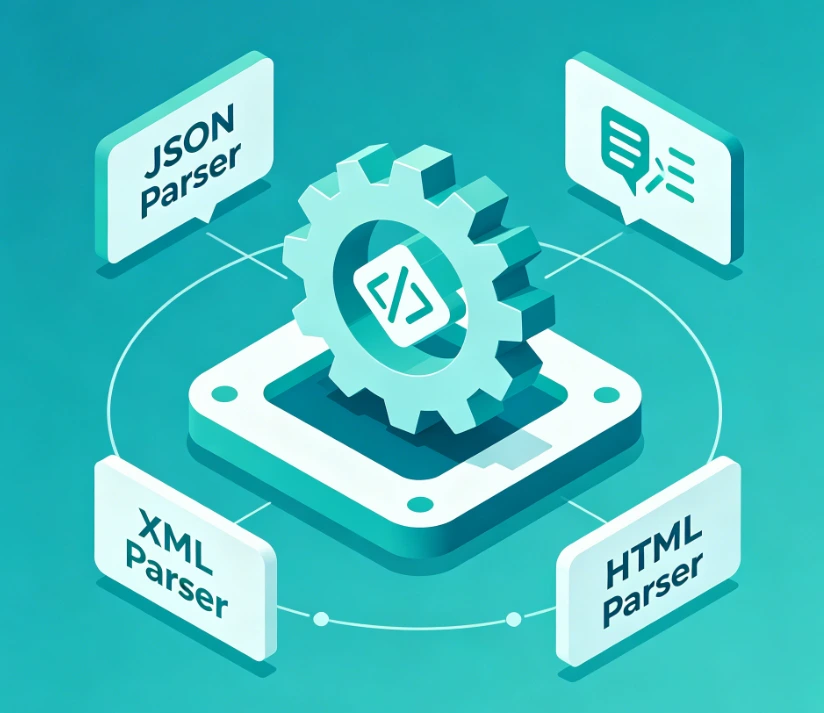
Parser tools help you inspect and validate structured content with less friction. Whether you are checking JSON, XML, or HTML, these pages are built for fast syntax review, structure validation, readability, and troubleshooting. They support everyday use cases such as debugging broken markup, checking API responses, reviewing nested objects, and confirming whether pasted code is well formed before it moves into production. Clear parser-focused copy also helps search engines understand that these pages are useful for validation, inspection, and structured content analysis.

Keywords: JSON parser, XML parser, HTML parser, syntax validation, structure inspection, markup troubleshooting

Popular tools: JSON Parser, XML Parser, HTML Parser, structure validation, syntax inspection

Parser tool preview

Images & Video

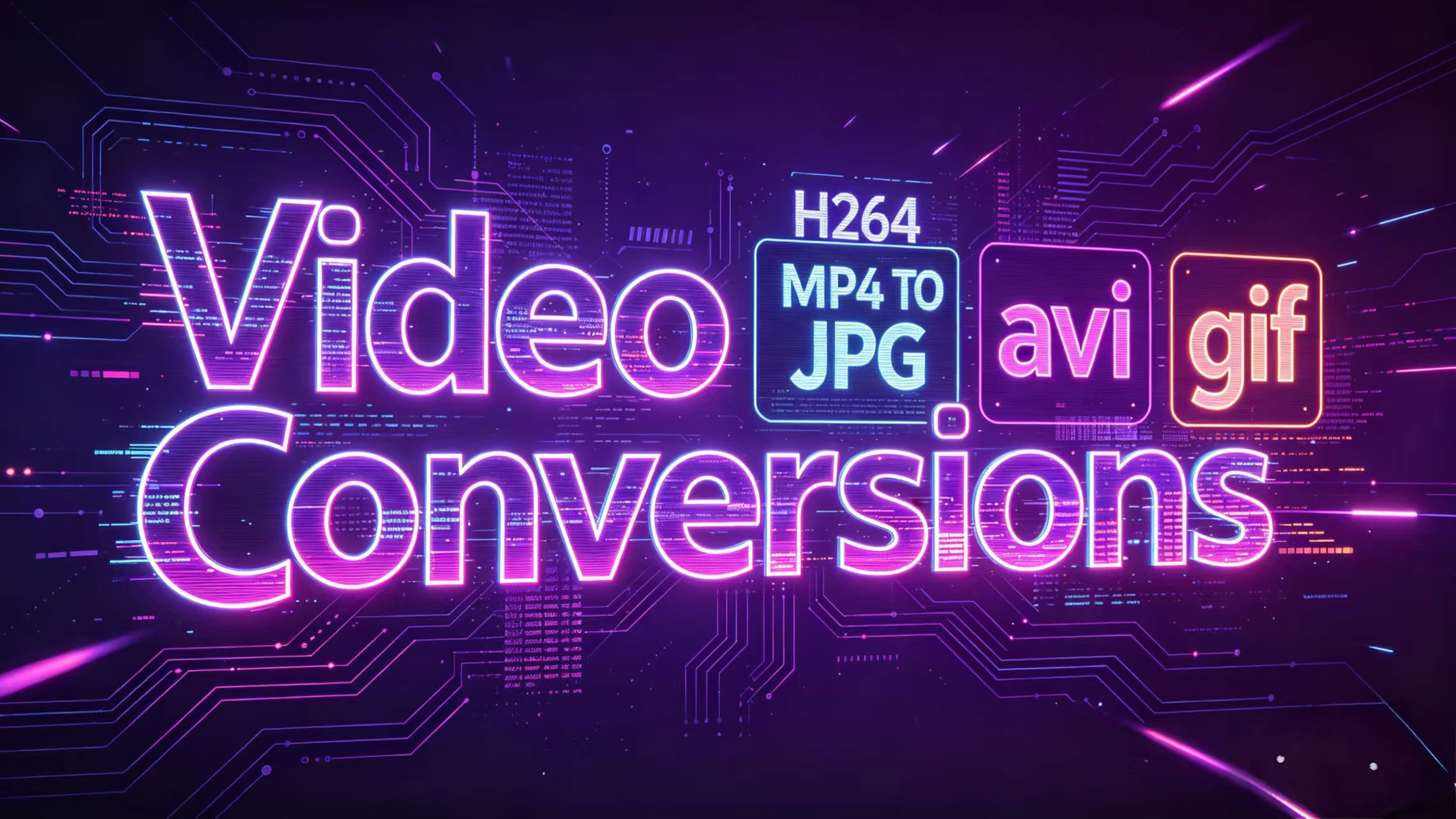
For publishing and media workflows, Converter Tool focuses on the formats people search for most often, including JPG, PNG, WEBP, AVIF, MP4, GIF, and frame extraction. This section supports common needs such as a video frame extractor for thumbnails, video to JPG for image sequences, video to PNG for high-quality frame capture, and MP4 to JPG for turning clips into reusable still images. It also covers everyday image conversions like JPG to WEBP, PNG to JPG, JPG to SVG, and PNG to AVIF. Each page keeps upload, preview, convert, and download actions obvious, while the expanded copy naturally targets practical search intent around video conversions, frame extraction, and image format preparation.

Keywords: video frame extractor, video to JPG, video to PNG, MP4 to JPG, JPG to WEBP, PNG to JPG, image converter, frame capture

Popular tools: Video to JPG, AVI to JPG, MP4 to GIF, MOV to MP4, JPG to WEBP, PNG to AVIF

Video and media conversion tools

Audio & File Conversions

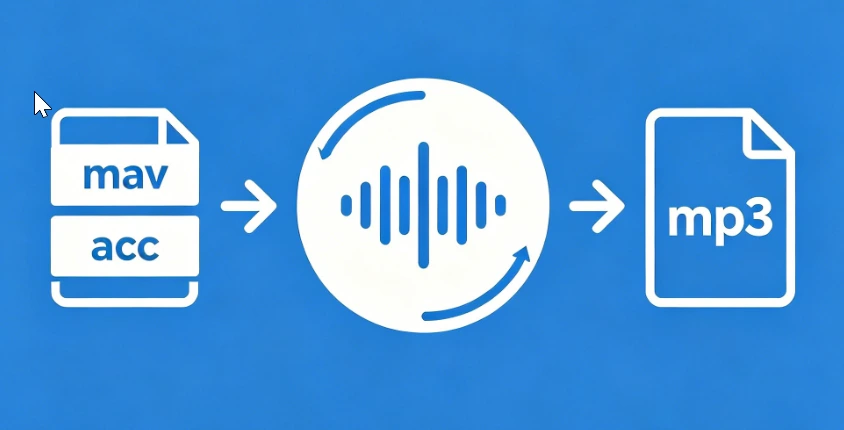
Audio conversion pages and related file tools are built for quick everyday use. You can convert AAC to MP3, FLAC to MP3, M4A to MP3, WAV to MP3, MP3 to WAV, and other common audio formats for playback, sharing, editing, or upload compatibility. These tools are useful for podcasters, video editors, developers preparing demo assets, and users who need a fast browser-based audio converter without extra software. The category copy highlights format compatibility, convenience, and simple workflow language that aligns well with how people search for online audio conversion tasks.

Keywords: AAC to MP3, FLAC to MP3, M4A to MP3, WAV to MP3, MP3 to WAV, online audio converter, browser audio conversion

Popular tools: AAC to MP3, FLAC to MP3, M4A to MP3, WAV to MP3, MP3 to WAV

Audio conversion tools

Compare & Everyday Tools

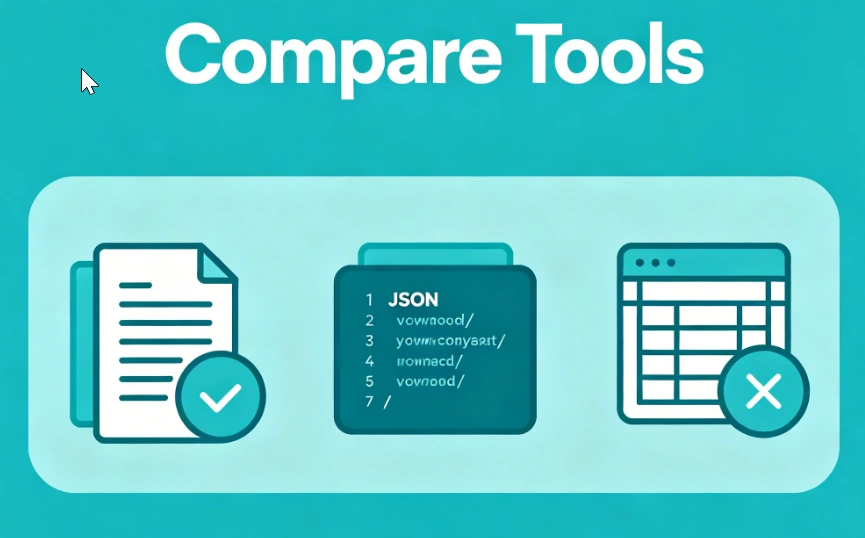
Converter Tool also covers comparison and utility workflows, from text compare, JSON diff, and Excel compare to practical unit conversions used in everyday work. These tools help with checking content changes, reviewing configuration updates, validating spreadsheet differences, and handling measurements such as centimeters to inches, inches to centimeters, meters to feet, and feet to meters. The goal is to support the small but frequent jobs that slow teams down when no simple utility is available. By describing these real use cases more clearly, the page becomes more useful to both visitors and search engines looking for comparison tools and everyday converters.

Keywords: text compare, JSON diff, Excel compare, centimeters to inches, inches to centimeters, meters to feet, everyday converters

Popular tools: Text Compare, JSON Diff, Excel Compare, Centimeters to Inches, Feet to Meters

Compare and everyday tools